How do I delete my account?
*Please note that this process will permanently delete all of your account data immediately.*
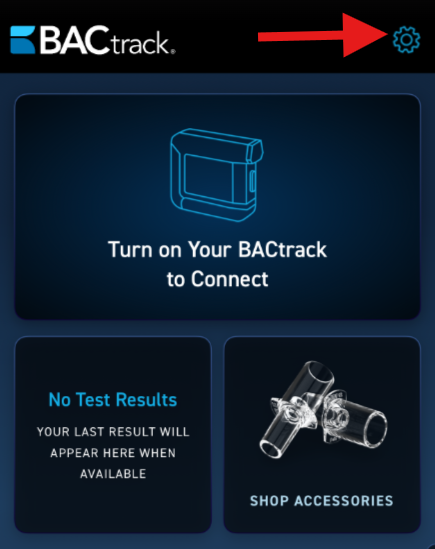
- Once you log into the app, click the gear icon at the top right corner to access the settings menu.
- On this screen, you will see all of the available Settings options.
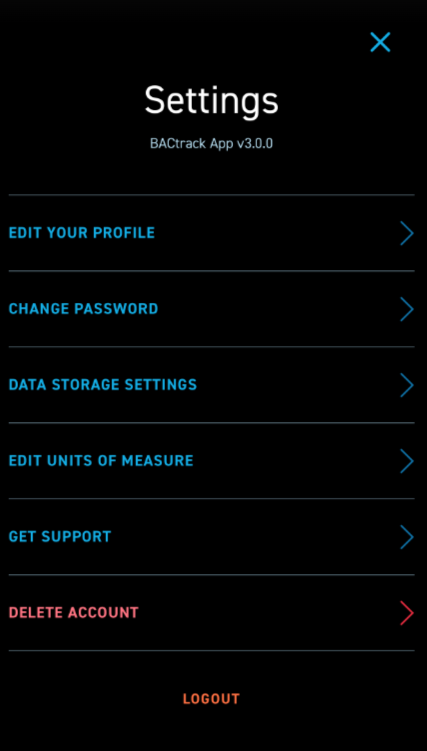
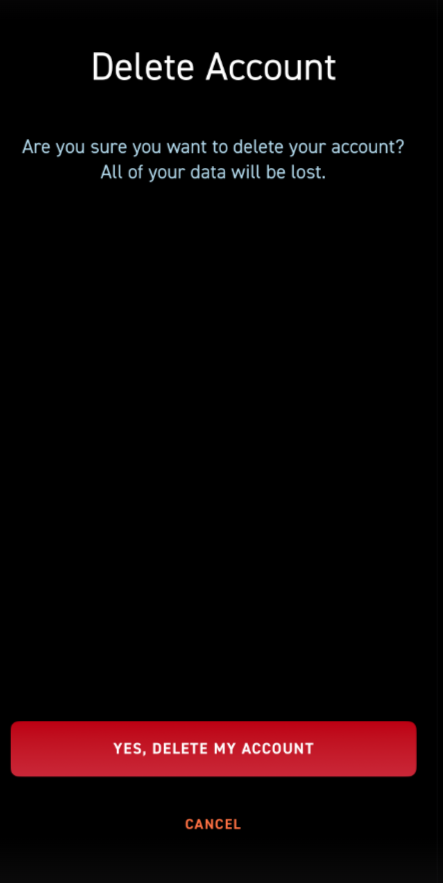
- The sixth option in settings is DELETE ACCOUNT. Please note that selecting YES at the bottom of this screen will delete all of your account data. If that is what you would like to do, click the YES, DELETE MY ACCOUNT red button. Your account and data will be removed.