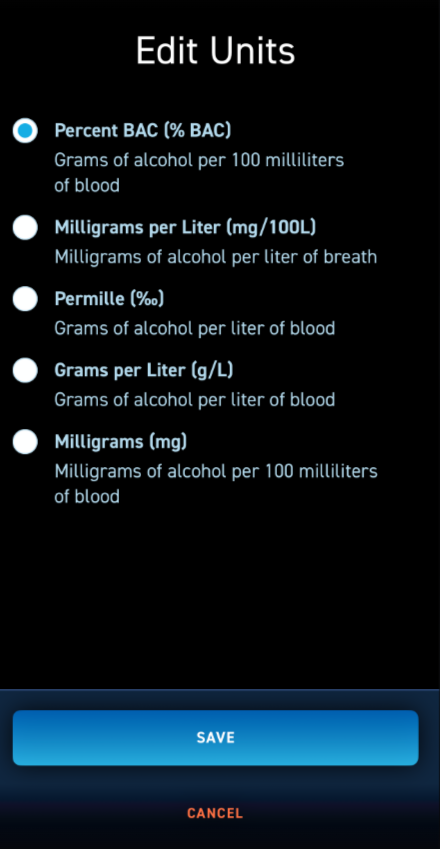
How do I change the units of measure?
Different regions around the world use different units to measure alcohol concentration. To ensure BACtrack works seamlessly no matter where you are, the app allows you to choose from several measurement units. The default in the U.S. is Percent BAC (% BAC).
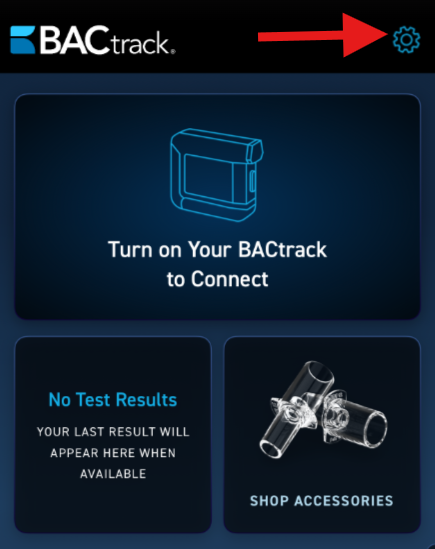
- Once you log into the app, click the gear icon at the top right corner to access the settings menu.
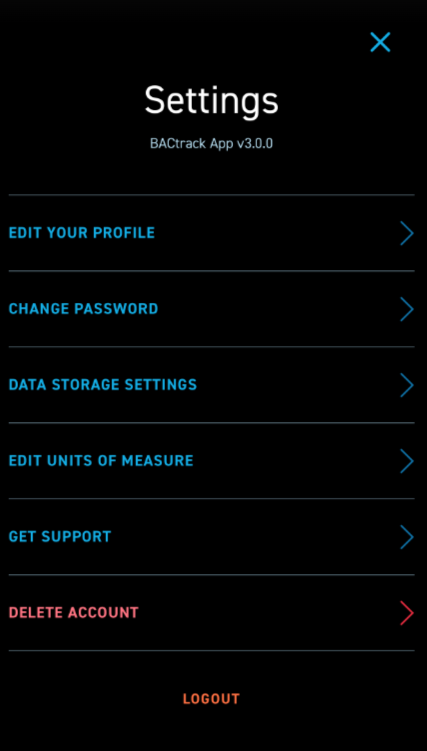
- On this screen, you will see all of the available Settings options.
- The fourth setting option is EDIT UNITS OF MEASURE. On this screen, you can select the unit that matches the standard used in your country or personal preference. Once selected, your test results will be displayed using that measurement format. The default in the U.S. is Percent BAC (% BAC). Once you select the correct unit of measurement, click the blue SAVE button at the bottom.