How do I change my password?
To change your password for the BACtrack consumer app, please follow the steps below:
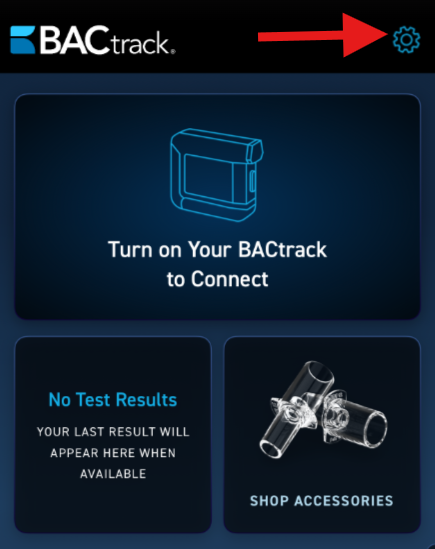
- Once you log into the app, click the gear icon at the top right corner to access the settings menu.
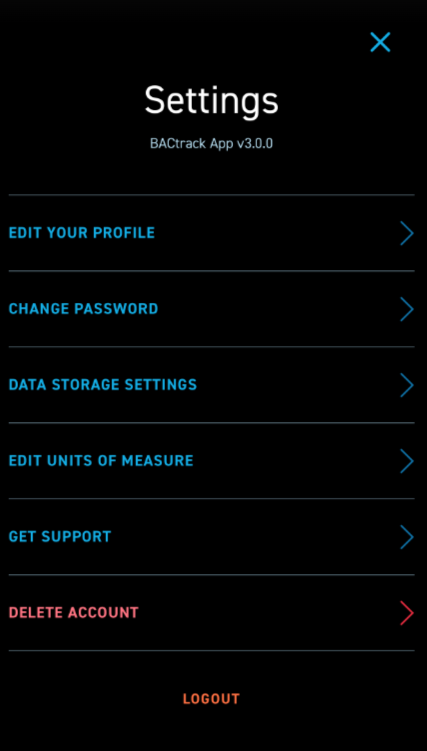
- On this screen, you will see all of the available Settings options.
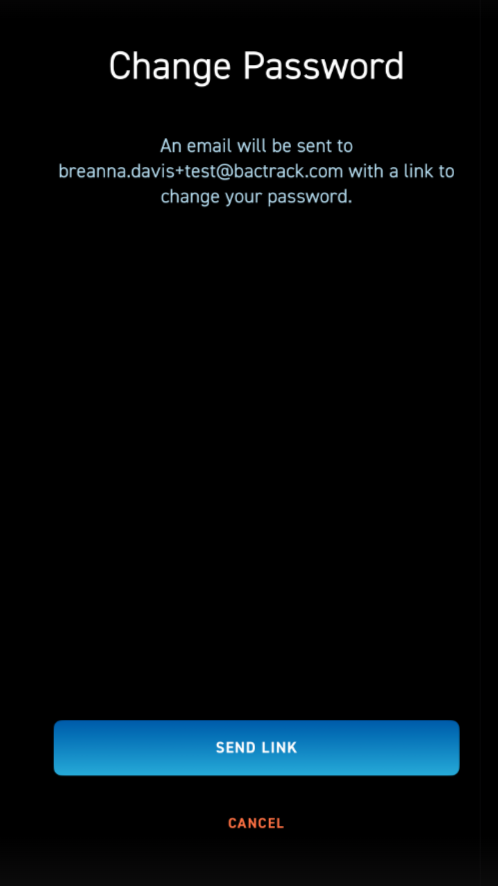
- The second setting option is CHANGE PASSWORD. As noted on the screen, you will click the blue SEND LINK button at the bottom and we will email you a link to reset your password. If you entered this screen in error, you can click CANCEL to exit and go back to the settings menu.