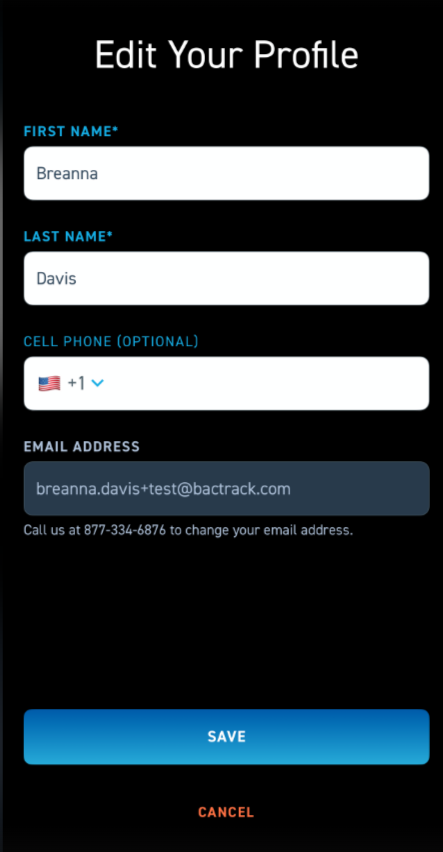
How do I update my contact information?
Please follow the steps below to update your contact information in our BACtrack consumer app.
*To update your email address, please call 877-334-6876 or email us at support@bactrack.com
For other updates to your contact information:
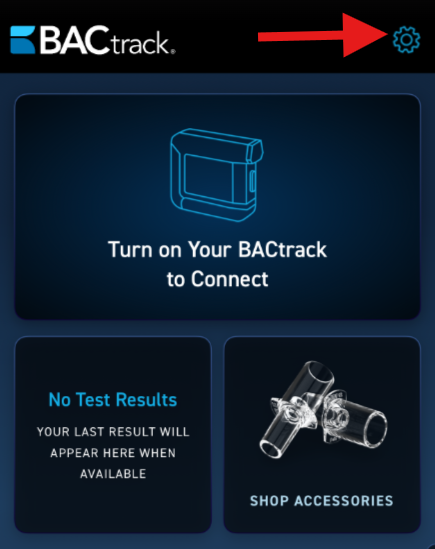
- Once you log into the app, click the gear icon at the top right corner to access the settings menu.
- On this screen, you will see all of the available Settings options.
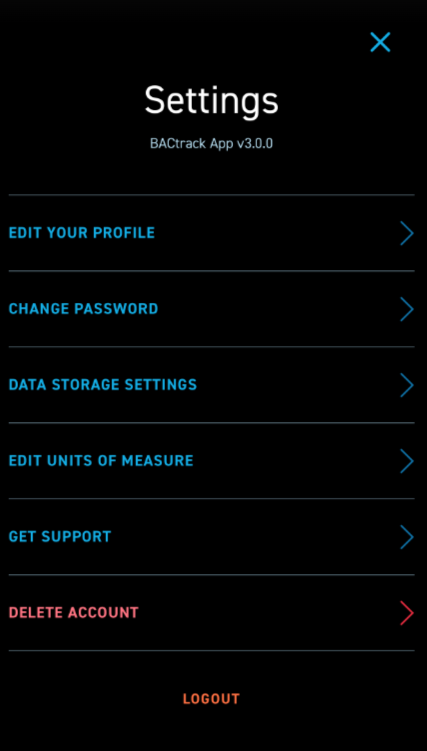
- The first setting is EDIT YOUR PROFILE. Here you will be able to edit your FIRST NAME, LAST NAME, AND CELL PHONE. Once you update your information, click the blue SAVE button at the bottom of the screen.