How do I log out of the app?
To log out of the BACtrack consumer app, please follow the steps below.
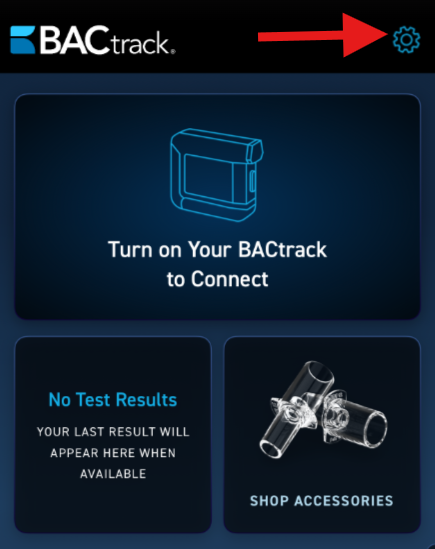
- Access Settings by clicking the gear icon at the top right corner of the app.
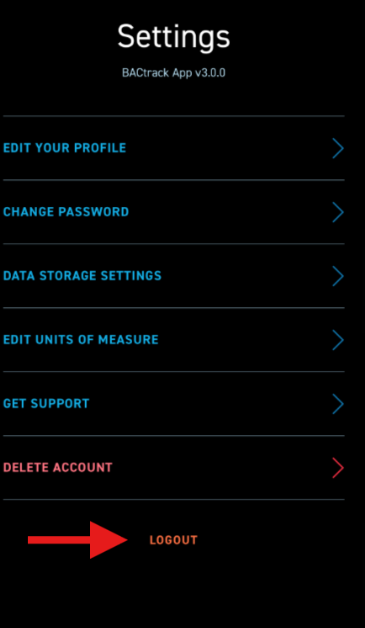
- At the bottom of the next screen, click the LOGOUT option.
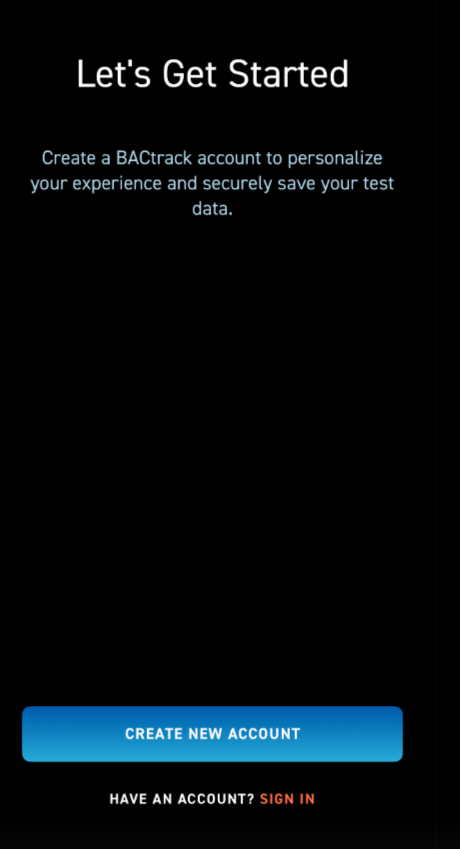
- You will then be taken to the Let's Get Started screen.