How do I log into the BACtrack consumer app?
Logging into the BACtrack consumer app is easy!
- Click on the BACtrack consumer app icon.
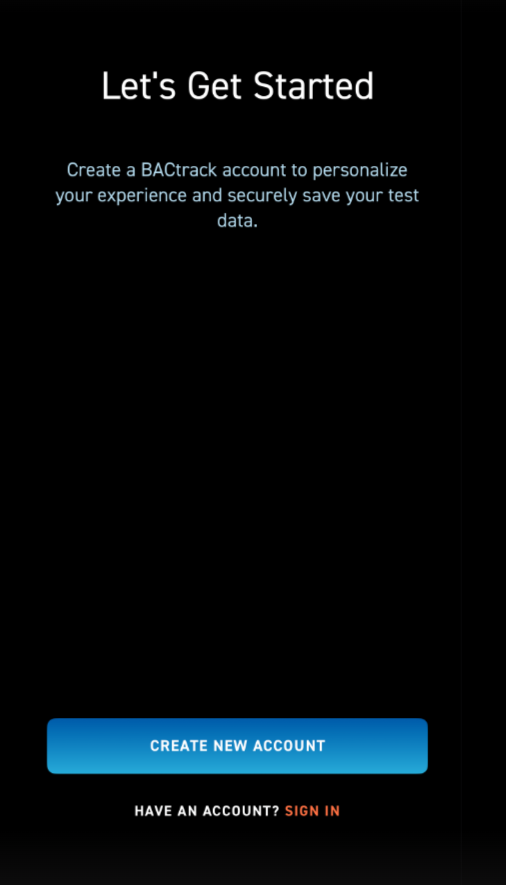
- The first screen will allow you to either create an account or Sign In. Click the Sign In option to access a current account.
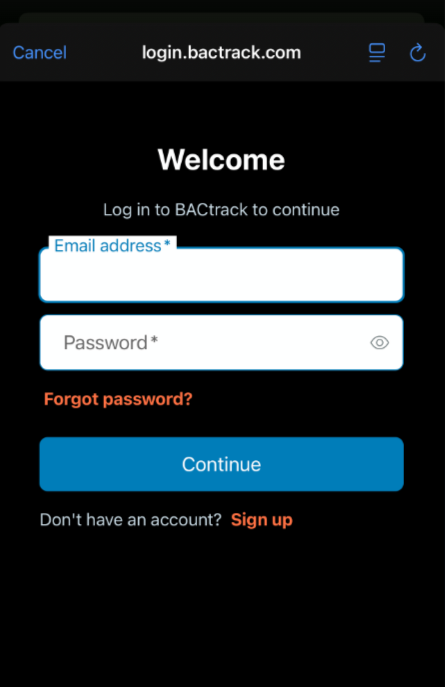
- On the next screen, enter your email address and password. Click Continue at the bottom of the screen. If you do not remember your password, there is a Forgot Password option on this screen as well.
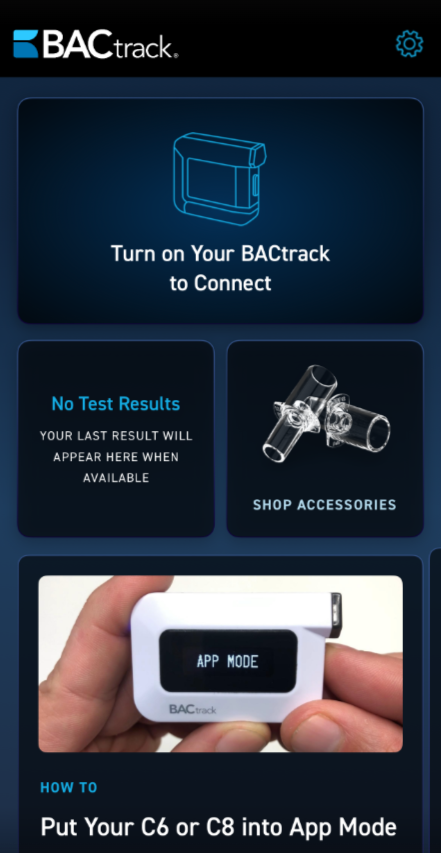
- Once you are logged in, you will see the home screen as shown below.