
How do I accept the terms of service?
When you first log in to the BACtrack app, you will be prompted to accept the Terms of Service before proceeding. Please follow the steps below to review and accept the terms so you can begin using the app.
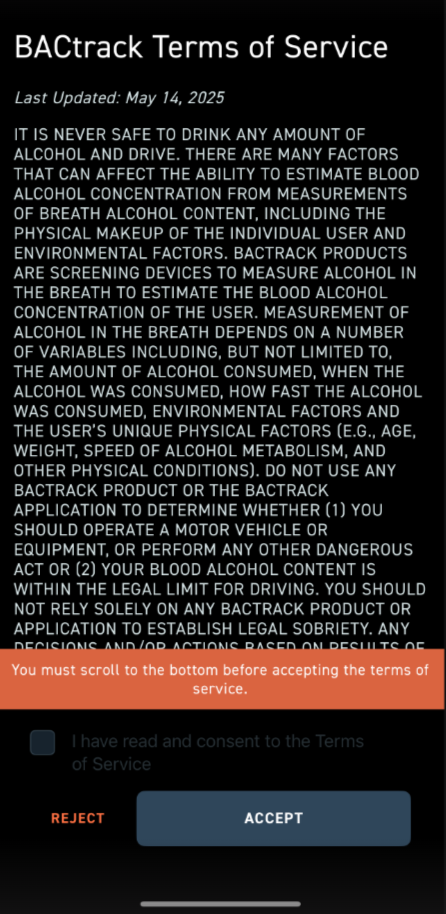
- When opening the app for the first time—or whenever the Terms of Service have been updated—you will be prompted to review the BACtrack Terms of Service. As indicated at the bottom of the screen, you must scroll to the end of the document before you can accept the terms. The Accept button will remain disabled until you have reached the bottom of the page.
-
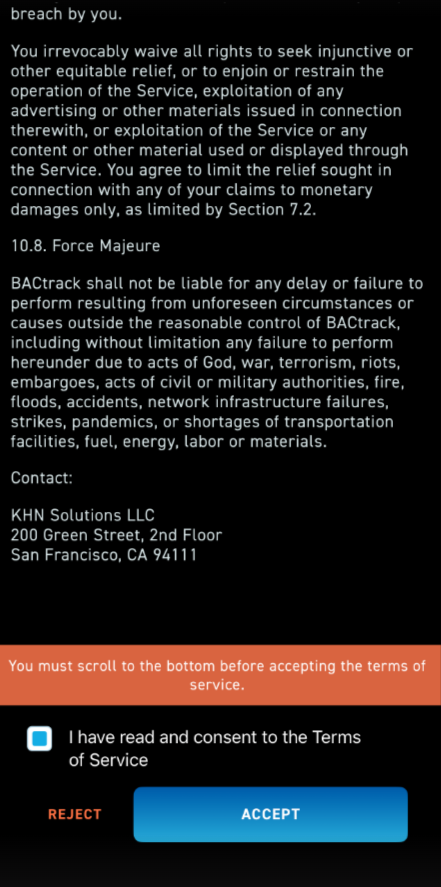
After you reach the bottom of the Terms of Service, select the checkbox labeled “I have read and consent to the Terms of Service.” Once the box is checked, the Accept button will turn blue, indicating that it is ready to be clicked.
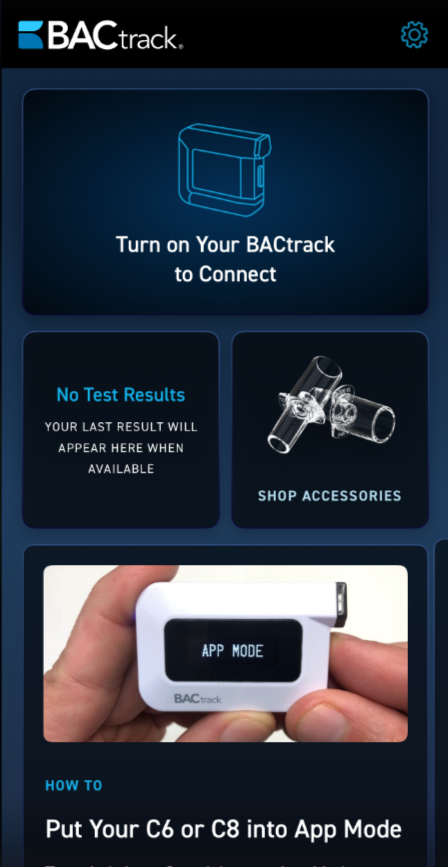
- Once you accept the Terms of Service, you will see the following screen and you are ready to start using the app.
*If you deny the terms and conditions in error, please email our BACtrack support team at support@bactrack.com so we can reset the option again for you.